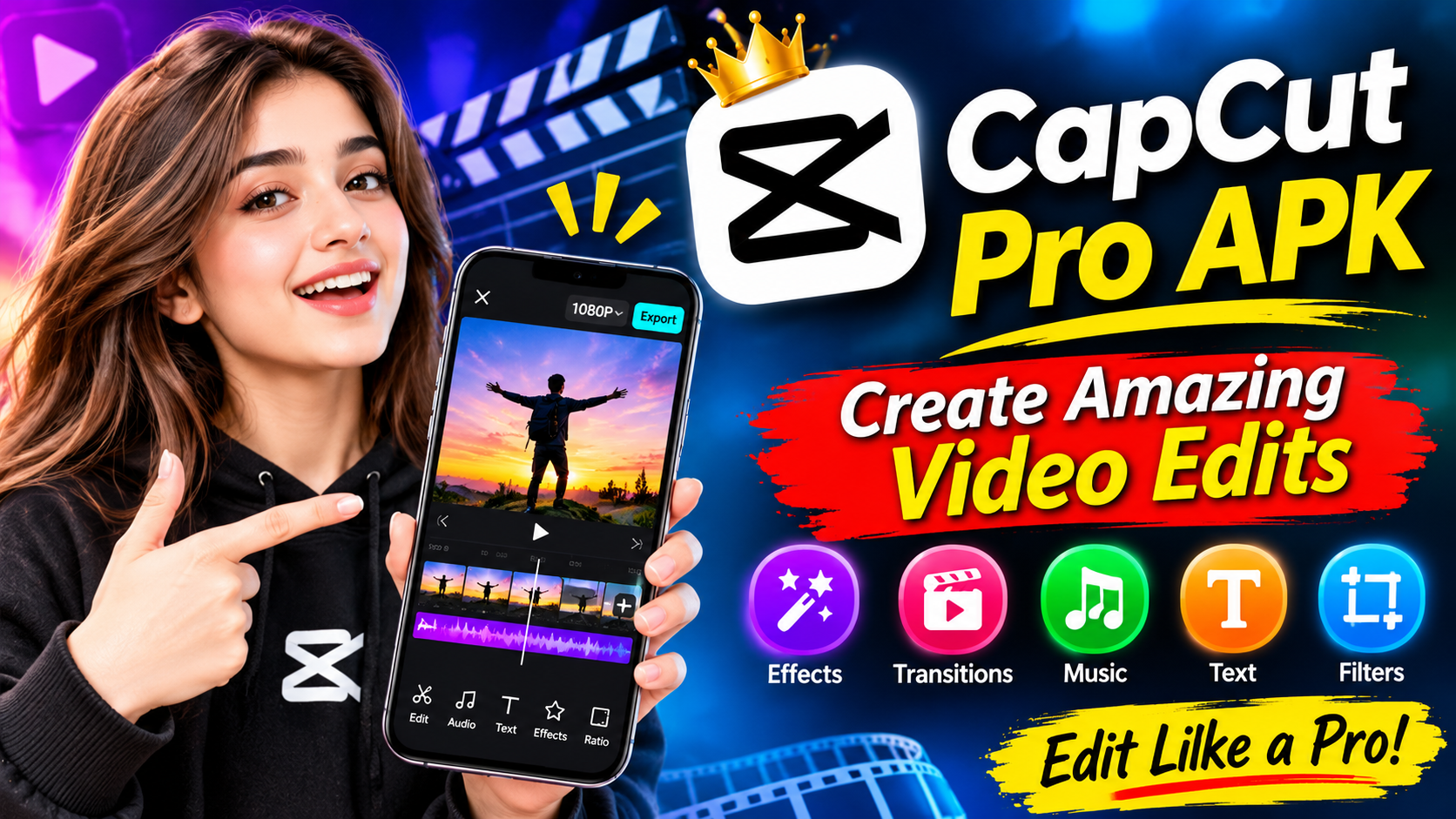
CapCut Pro APK – Create Amazing Video Edits
CapCut Pro APK is a popular search term among Android users who want to create beautiful and professional-looking videos directly from their smartphones. Whether you enjoy making TikTok videos, Instagram Reels, YouTube Shorts, gaming edits, or personal memories, CapCut offers creative tools to make your videos more attractive. With stylish filters, smooth transitions, audio effects, animations, and advanced editing options, you can turn ordinary recordings into impressive content without needing expensive editing software.
What Is CapCut Pro APK?
CapCut is a video editing application developed by ByteDance. It provides an easy-to-use editing environment for beginners and experienced content creators. Users can cut clips, combine videos, add background music, create captions, apply filters, and adjust video speed.
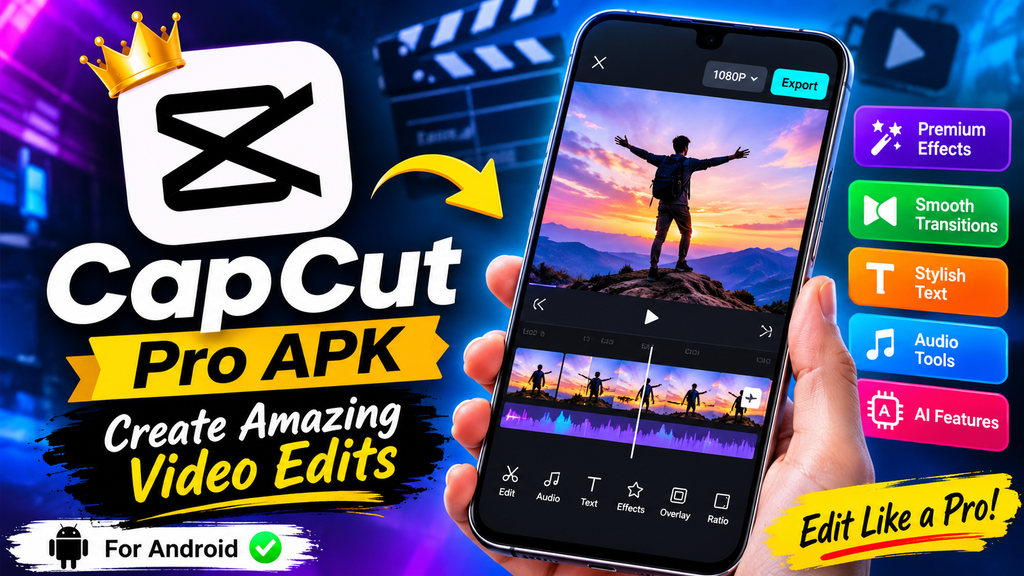
CapCut also offers a Pro subscription that provides access to additional premium resources and editing features. Many Android users search for CapCut Pro APK because they want to explore these advanced editing options. However, unofficial modified APK files are not guaranteed to be genuine or safe. Using the official application is the recommended way to enjoy CapCut’s features.
Amazing Features of CapCut Pro APK
CapCut includes several creative tools that make mobile video editing easier and more enjoyable. Here are some of its most interesting features.
1. Professional Video Editing Tools
CapCut provides essential editing tools for creating high-quality videos. You can trim unwanted sections, combine multiple clips, adjust brightness, change contrast, and organize footage using a timeline. Keyframe animation also allows you to control movement and create attractive zoom effects. These tools are useful for making cinematic videos, tutorials, gaming content, and social media posts.
2. Premium Filters and Effects
Filters and visual effects can completely change the appearance of your videos. CapCut offers different styles for creators who want colorful, cinematic, vintage, or modern-looking edits. You can experiment with different effects to find the perfect appearance for your content. Premium subscribers may also access additional creative resources.
3. Smooth Transitions and Animations
Transitions help connect different video clips naturally. CapCut provides various transition styles, including fades, zooms, and creative movement effects. You can also animate text, stickers, and other elements to make your videos more engaging. Using suitable transitions can give your content a polished and professional appearance.
4. AI-Powered Editing Tools
AI features make certain editing tasks faster and easier. Depending on availability, CapCut offers tools such as automatic captions, background removal, text-to-speech, and AI-assisted editing. These features can help creators save time while preparing videos for different social media platforms.
Create Amazing Videos for Social Media
CapCut is particularly useful for people who regularly create short videos. You can prepare vertical content for TikTok, Instagram Reels, and YouTube Shorts using music, captions, effects, and transitions.
For example, you can combine your favorite clips, add attractive text, synchronize scenes with background music, and create a strong opening. These small editing improvements can make your content more enjoyable to watch. You can also use ready-made templates when you want to create videos quickly.
Audio Editing and Background Music
Good audio makes a big difference in video quality. CapCut allows users to add background music, sound effects, and voiceovers to their projects. You can adjust volume levels, synchronize audio with video clips, and create more interesting scenes.
For talking videos and tutorials, clear voice recordings are especially important. Always keep background music at a suitable volume so viewers can understand your message. Remember to use music that you have permission to publish.
Stylish Text, Fonts, and Captions
Text effects are useful for explaining information and highlighting important moments. CapCut offers different fonts, colors, text animations, and caption styles. You can add attractive titles to your videos or use subtitles to make spoken content easier to understand.
Automatic captions can save time, but you should always check the generated words before exporting. Choose readable fonts and avoid placing too much text on the screen.
Slow Motion and Speed Control
Speed control allows you to create different moods in your videos. You can slow down exciting moments, speed up long recordings, or experiment with speed curves for more creative effects. Slow motion works particularly well for sports, dancing, cinematic scenes, and gaming edits.
How to Download and Install CapCut Safely
Android users should download CapCut through a trusted source. Follow these simple steps:
- Open the Google Play Store.
- Search for CapCut – Video Editor.
- Check the developer information.
- Tap Install if the official application is available.
- Open the application after installation.
- Import your videos and start editing.
If the application is unavailable in your region, check CapCut’s official website for supported options. Avoid unknown modified APK files because they may contain harmful software or compromise your personal information.
CapCut Free vs CapCut Pro
The free version provides useful editing tools for everyday video creation. CapCut Pro offers additional premium resources for users who need more creative options.
| Features | Free Version | Pro Version |
|---|---|---|
| Basic editing | Yes | Yes |
| Video transitions | Available | Expanded options |
| Text and captions | Available | Additional styles |
| Premium effects | Limited | More options |
| AI tools | Limited availability | Additional access |
| Premium templates | Limited | Expanded access |
Subscription features and availability can change depending on your region and application version.
Advantages and Disadvantages
Advantages:
- Easy-to-use editing interface.
- Creative filters and transitions.
- Useful audio editing tools.
- Automatic captions and AI features.
- Suitable for social media videos.
- Multiple video export options.
Disadvantages:
- Some features require a paid subscription.
- Advanced editing can require a powerful smartphone.
- Large projects use more storage.
- Some features may not be available in every region.
- Unofficial APK files can create security risks.
Conclusion
CapCut Pro APK is an interesting choice for Android users who want to explore creative video editing. Its editing tools, filters, transitions, audio options, animations, and AI features make it easier to create attractive content for social media. Whether you are a beginner or an experienced creator, CapCut provides plenty of opportunities to develop your editing skills. Start with simple projects, experiment with different effects, and gradually build your own editing style. For the best experience and better security, always choose the official CapCut application.